“`html
The Process That Kills Progress: Creating Standard Operating Procedures Without the Bureaucratic Bloat
The procedures that determine whether your business runs smoothly aren’t created in off-site retreats or strategic planning sessions—they’re scribbled on sticky notes, saved as half-finished Google Docs, or exist solely in the heads of employees who “just know” how things work. Standard Operating Procedures (SOPs) promise consistency, scalability, and risk mitigation, yet research from operational efficiency studies indicates that 60% of documented procedures in small businesses go unused, while critical institutional knowledge remains unwritten, walking out the door when key employees leave.
This capture gap creates a dangerous polarity: teams either operate in chaos with no guidance, or they drown in documentation so rigid it prevents intelligent adaptation. While founders obsess over perfecting their “playbooks” to impress investors or satisfy certification requirements, the actual work gets done through shadow processes that bear no resemblance to the official record. Understanding how to document operations without fossilizing them—capturing knowledge without killing judgment—transforms you from a curator of obsolete binders into an architect of adaptive systems.
The Documentation Trap: Why SOPs Become Shelfware
Every SOP carries an hidden cost: maintenance. The moment you write down “how we do things,” you create an artifact that requires updating as reality shifts. Most businesses respond to this burden by either abandoning updates (rendering documents dangerously obsolete) or avoiding documentation altogether (preserving flexibility but sacrificing scalability). The trap lies in mistaking comprehensiveness for usefulness—believing that a procedure must account for every edge case to be valid.
Consider the typical onboarding SOP. Written by HR with legal oversight, it includes forty-seven steps covering parking pass acquisition, email signature formatting, and emergency exit procedures. Buried within this compliance theater are the three actual critical steps: how to access the project management system, who approves expense reports, and where to find the style guide. New employees spend their first day checking boxes on irrelevant tasks while remaining unable to perform their actual function. The procedure documented everything and prioritized nothing.
This bloat stems from confusion between training materials and reference materials. Training SOPs walk someone through a process step-by-step, assuming zero prior knowledge. Reference SOPs assume competency and provide guardrails for edge cases. Conflating these creates documents that insult the intelligence of experienced staff while remaining too dense for beginners. The result is a format that serves nobody—a too-long checklist that employees skim then ignore, or a too-brief outline that misses critical safety checks.
The Shelfware Spectrum: Where Documentation Dies
The Compliance Codex: Written for auditors, not users; full of “shall” statements and legal padding; updated only for certification renewals
The Consultant’s Cathedral: Beautifully formatted, process-mapped, and utterly disconnected from ground reality; created by outsiders who interviewed rather than observed
The Legacy Relic: Accurate for the business as it existed three years ago; contains references to software no longer used and employees who have departed
The Frankenstein File: Patched together by twelve different authors over five years; contradictory instructions depending on which section you read
Minimum Viable Procedure: The Art of Just Enough
Effective SOPs follow the Pareto principle: 20% of the instructions prevent 80% of the errors. The Minimum Viable Procedure (MVP) approach documents only the critical path—the sequence of actions that must occur in order, with specific attention to irreversible steps and safety-critical checks. Everything else becomes context, training, or tribal knowledge that experienced operators maintain organically.
Atul Gawande’s Checklist Manifesto demonstrated that even surgeons performing complex procedures benefit most from simple checklists covering critical safety steps, not comprehensive step-by-step guides. The same applies to business operations. Your customer refund procedure doesn’t need to explain what a refund is or how to open the browser; it needs to verify account standing, confirm refund method, and document the reason before processing. Three checks, not thirty steps.
The MVP approach also recognizes procedural tiering. Not every task requires the same documentation rigor. Use the “burn rate” test: if performing this task incorrectly costs significant money, legal exposure, or customer trust, it merits detailed documentation. If the error is reversible within five minutes, a brief reference note suffices. If the task requires creative judgment (writing marketing copy, designing solutions), documentation should specify outcomes and constraints rather than methods, preserving the autonomy that makes the work effective.
The One-Page Constraint
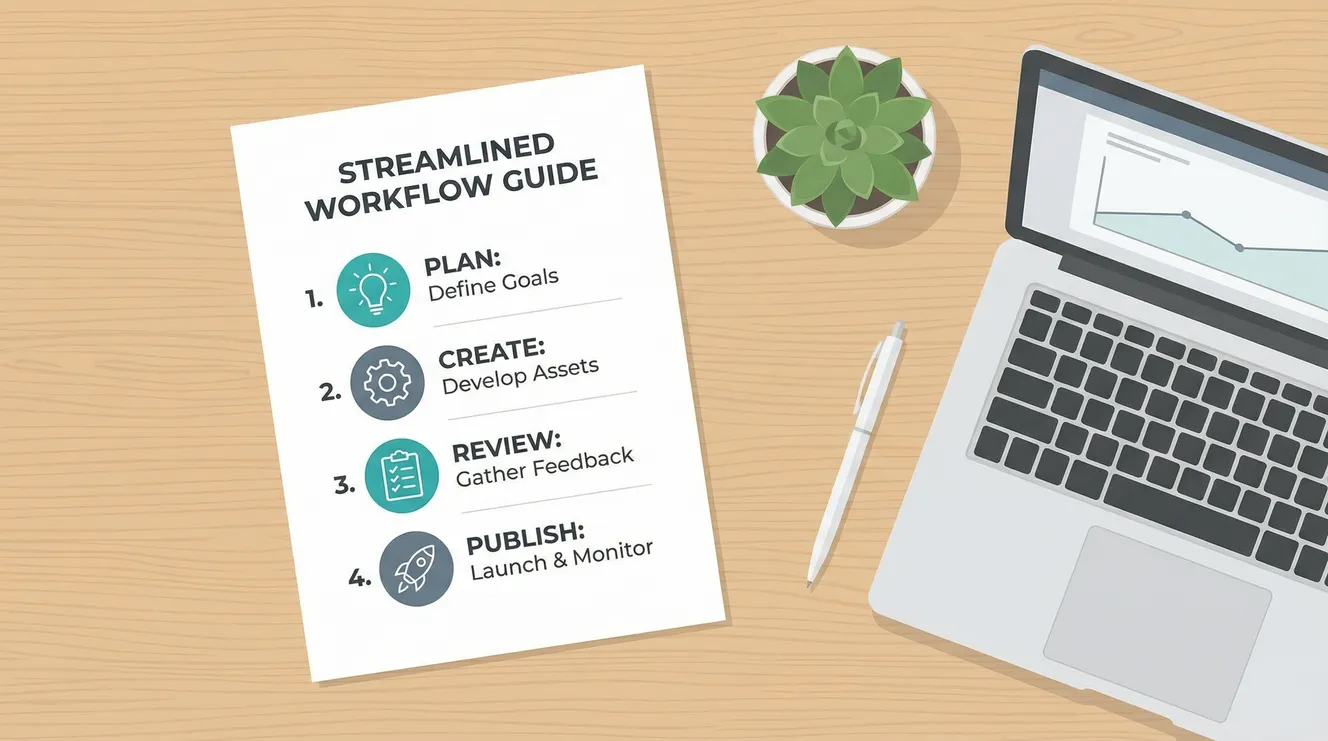
Impose a physical limit: if a procedure cannot be captured on a single page (digital or physical), it requires decomposition into sub-procedures. This constraint forces prioritization. When a manufacturing team at Toyota was asked to document equipment changeover, they initially produced a 40-page manual. Forced to reduce it to one page using the SMED (Single-Minute Exchange of Dies) methodology, they identified that only eight specific steps required sequencing; the rest were preparatory work that could occur while the machine ran. Changeover time dropped from hours to minutes not because they worked faster, but because the simplified procedure revealed inefficiencies in the complex version.
Format Wars: Choosing the Right Medium for the Message
The default mode of procedure documentation—Microsoft Word files saved to shared drives—represents the least effective possible choice. Static documents separate process from practice, requiring users to toggle between the work and the instructions. Modern SOPs live where work happens: embedded in project management tools (Asana, Monday.com), attached to specific stages in CRMs (Salesforce, HubSpot), or integrated directly into software interfaces through tooltips and guided workflows.
Video SOPs resolve the “show versus tell” dilemma for physical or software-based tasks. A two-minute screen recording of the accounting software workflow conveys more accurate information than three pages of written instructions attempting to describe menu locations. Tools like Loom or Scribe automatically generate step-by-step guides from recordings, combining the clarity of video with the scannability of text. However, video ages poorly when interfaces change; use it for stable processes or principles, written checklists for version-dependent steps.
Decision trees handle complex branching logic better than linear documents. When a customer service query could result in refund, replacement, or escalation depending on five variables, a flowchart prevents the cognitive overload of parsing “if/then” paragraphs. Simple tools like Lucidchart or even nested bullet points create visual logic that mirrors how humans actually troubleshoot. The goal is reducing working memory load—externalizing the decision logic so the operator can focus on execution quality.
The Format Selection Matrix
Use Checklists When: Sequence matters, skipping steps causes failure, and verification is required (safety, compliance, data entry)
Use Video When: Spatial/visual elements dominate, software interfaces change infrequently, or tone/delivery matters (customer interactions)
Use Flowcharts When: Multiple branching paths exist based on variable conditions, and decisions require if/then logic
Use Templates When: The output must be consistent (documents, code, responses) but the path to completion varies by user
The Resistance Factor: Implementation Without Friction
The best procedure in the world fails if employees actively avoid it. Resistance typically signals that the SOP adds work without adding value, or that it represents a loss of autonomy. Overcoming this requires involving operators in the creation process—those who perform the work daily know which steps are critical and which are ceremonial legacy. When a warehouse team helps write the receiving procedure, they ensure it accounts for real-world constraints like pallet jack availability and seasonal volume spikes that a manager in an office would miss.
Accessibility determines adherence. If the procedure lives in a binder across the warehouse or buried three folders deep in a file structure, workers will rely on memory rather than walk to retrieve it. Mobile-first documentation—QR codes on equipment linking to short videos, tablet-mounted checklists at workstations, or chatbot-accessible commands—integrates the SOP into the workflow rather than interrupting it.
The Positive Deviation
Effective SOPs include a “positive deviation” clause—explicit permission to bypass the procedure when circumstances warrant, combined with a feedback mechanism to capture the improvement. This prevents the僵化 (stiffness) that makes procedures oppressive. When a technician discovers a faster calibration method that maintains accuracy, they should have authority to use it and a channel to propose updating the standard. Without this valve, employees follow broken procedures out of fear, or hide improvements to avoid “process police.”
Organizations like Alcoa under Paul O’Neill demonstrated that safety procedures gain adherence not through enforcement but through relevance—when workers see that following the procedure genuinely prevents injury, compliance becomes cultural rather than compulsory. The same applies to quality and efficiency procedures: they must demonstrably make work easier or safer, not merely satisfy managerial control needs.
Indicators of Procedural Resistance
Workarounds: Shadow spreadsheets, personal checklists, or “cheat sheets” circulating among staff indicate the official procedure is unusable
CYA Culture: Employees citing procedure to avoid decision-making suggests documentation has replaced judgment rather than informing it
Training Gap: New hires require weeks to become “fully trained” on simple tasks indicates over-complexity in the documented process
Audit Anxiety: Panic before inspections to “update the binders” reveals that documentation serves regulators rather than operators
Living Documents: Maintenance Over Perfection
The half-life of a procedure approximates the rate of change in your business. In startups, SOPs may require monthly updates; in stable manufacturing, annual reviews suffice. The fatal error is treating documentation as a project (“we documented the processes”) rather than a practice (“we maintain living documentation”). Assign ownership—specific individuals responsible for specific procedures, with review dates calendared like dental appointments.
Version control prevents the chaos of conflicting copies. Cloud-based tools like Notion, Tettra, or Confluence maintain history and prevent the “which version is correct” ambiguity of shared drives. More importantly, they allow comments and suggestions, turning procedure maintenance into a conversation rather than a decree. When the person on the front line notices that Step 3 is now obsolete due to software updates, they can flag it immediately rather than waiting for the annual review.
The “sunset clause” prevents accumulation of obsolete procedures. Every SOP should include a “last verified” date and an expiration date. If a procedure hasn’t been referenced in six months, archive it. If the business has changed but the document hasn’t, investigate whether the process is still occurring or has simply evolved without documentation. Procedures are organizational habits—if nobody is following them, they aren’t real procedures regardless of what the binder says.
Practical Strategies: Documentation That Actually Gets Used
Understanding documentation theory is useless without concrete habits. Here are implementation strategies that separate functional SOPs from bureaucratic theater.
Start With Friction Logs
Don’t begin by writing procedures; begin by recording “friction logs”—notes on where confusion, errors, or delays actually occur. If employees consistently mess up the expense report, document that specific pain point rather than documenting all HR procedures. This triage ensures you invest documentation effort where it returns value, creating immediate relief for operators rather than abstract completeness for managers.
Write for the Stressed Operator
Document assuming the reader is interrupted, sleep-deprived, and new. Use imperative verbs (“Verify,” “Confirm,” “Attach”) not passive voice (“It is important that…”). Put warnings before instructions, not after (“WARNING: Archive the old file BEFORE creating the new one”). Use formatting—bold for critical warnings, italics for context, bullet points for options. The stressed brain scans; structure for scannability.
Test With Naive Users
The creator of a procedure cannot objectively evaluate its clarity; they know too much. Test documentation with someone who has never performed the task—ideally, someone outside your department. If they can complete the task using only the SOP (no questions, no assumptions), the document works. If they ask “do they mean…?” or skip steps because “obviously you wouldn’t do it that way,” the procedure needs revision.
Link, Don’t Duplicate
When Step 4 of the sales process requires using the CRM, don’t write out the CRM procedure again—link to it. Duplication creates maintenance nightmares; when the CRM updates, you must find every document mentioning it. Hyperlinks (or references in physical documents: “See CRM Guide p. 3”) create modular systems where updates propagate automatically.
Your Processes Are Already Written—In Behavior
The standard operating procedures that actually govern your business aren’t found in binders; they’re encoded in the muscle memory of your best employees, the shortcuts your team has developed to survive inefficiency, and the undocumented hacks that keep the lights on. Your job isn’t to invent procedures from scratch—it’s to capture what’s already working, codify the critical safety checks that prevent disasters, and get out of the way of the judgment your people need to exercise.
Your power to scale without chaos doesn’t come from comprehensiveness. It comes from clarity—the discipline to document only what must be remembered, to maintain that documentation where work happens, and to treat your procedures as servants of the work rather than masters of the workers. You can be the organization that drowns in three-ring binders that everyone ignores, or you can be the team that shares sharp, one-page checklists that actually prevent errors.
The choice is yours. Start with one friction point. Document the critical path in one page. Put it where people can use it without stopping their work. Test it with someone new. Update it when reality changes. Stop documenting for the audit, start documenting for the operator. Your future self—facing an unexpected absence, a scaling crisis, or a sale of the business—will thank you for systems that capture knowledge without killing the initiative that created it.
Key Takeaways
Most documented procedures fail because they confuse comprehensiveness with usefulness, creating shelfware that serves compliance audits rather than operating needs.
Minimum Viable Procedures (MVPs) focus only on the critical 20% of steps that prevent 80% of errors, using one-page constraints to force prioritization of irreversible actions.
Format selection should match content: checklists for sequential safety steps, video for visual/spatial tasks, flowcharts for branching logic, and embedded documentation for software workflows.
Procedural adherence requires operator involvement in creation, mobile accessibility, and explicit permission for positive deviation when circumstances warrant improvement.
Documentation is a continuous practice, not a project; effective SOPs require ownership, version control, sunset clauses for obsolete procedures, and regular testing with naive users.
“`
Leave a Reply